Alexa, Google Home or Control4 for Motorized Shades?
Insider Tricks, Tips, and the Latest from the Window Treatment Industry in Southwest Florida
Alexa, Google Home, or Control4? The best platform for motorized shades isn’t necessarily the most sophisticated one. It’s the one that works with your shade motors, existing equipment, and daily routine. In a Cape Coral waterfront home, you may want a voice command to lower the living room shades. In a Naples new build, you might want multiple large shades to coordinate with lighting and entertainment scenes.
Smart-home compatibility isn’t a promise of identical functionality across brands. Here’s how the three platforms compare—and what Southwest Florida homeowners should verify before choosing custom motorized shades.
Alexa vs. Google Home vs. Control4: At a Glance
Swipe left or right to compare all platforms. Keyboard: focus the table, then use the Left and Right arrow keys.
| Consideration | Alexa | Google Home | Control4 |
|---|---|---|---|
| Typical use | Voice commands and routines | Connected-home routines and app control | Professionally integrated whole-home scenes |
| Shade compatibility | Depends on motor and integration | Depends on motor and integration | Depends on motor, driver and controller |
| Grouped control | Device dependent | Device dependent | Integration dependent |
| Position feedback | Not universal | Not universal | Not universal |
| Setup | May need a hub or bridge | May need a hub or bridge | Usually professionally configured |
These are general platform characteristics, not guarantees for any specific shade system.
Alexa: Everyday Voice-Controlled Convenience
Alexa may suit homeowners who already use Echo devices and want to open or close compatible shades with a spoken command. Routines can coordinate supported shades with other devices. Some motors need a manufacturer gateway, and the available commands depend on the integration.
Google Home: Connected Household Routines
Google Home may appeal to households that already organize lighting and other devices in Google’s ecosystem. With compatible shade equipment, homeowners may use the app and supported automations to adjust window coverings. Confirm whether the proposed motor supports the commands, room grouping and position controls you expect.
Control4: Professionally Integrated Smart Homes
Control4 is often selected for properties where shades are part of a broader professionally configured system. Depending on the motor, driver and controller, shades may be included in coordinated scenes with lighting or entertainment. Advanced position reporting is not guaranteed by the Control4 name alone; request a demonstration of the proposed integration.
Define the actions you will use
Would you like a spoken open command, a room group, an intermediate position or a scene coordinated with lighting? Identify who will use those controls and whether a physical local control is also important.
Amazon’s PercentageController documentation describes percentage-based control for compatible connected devices. Google’s Blinds guide describes opening/closing capabilities and applicable traits. These platform interfaces do not prove an individual shade implements every function.
Match the proposed equipment
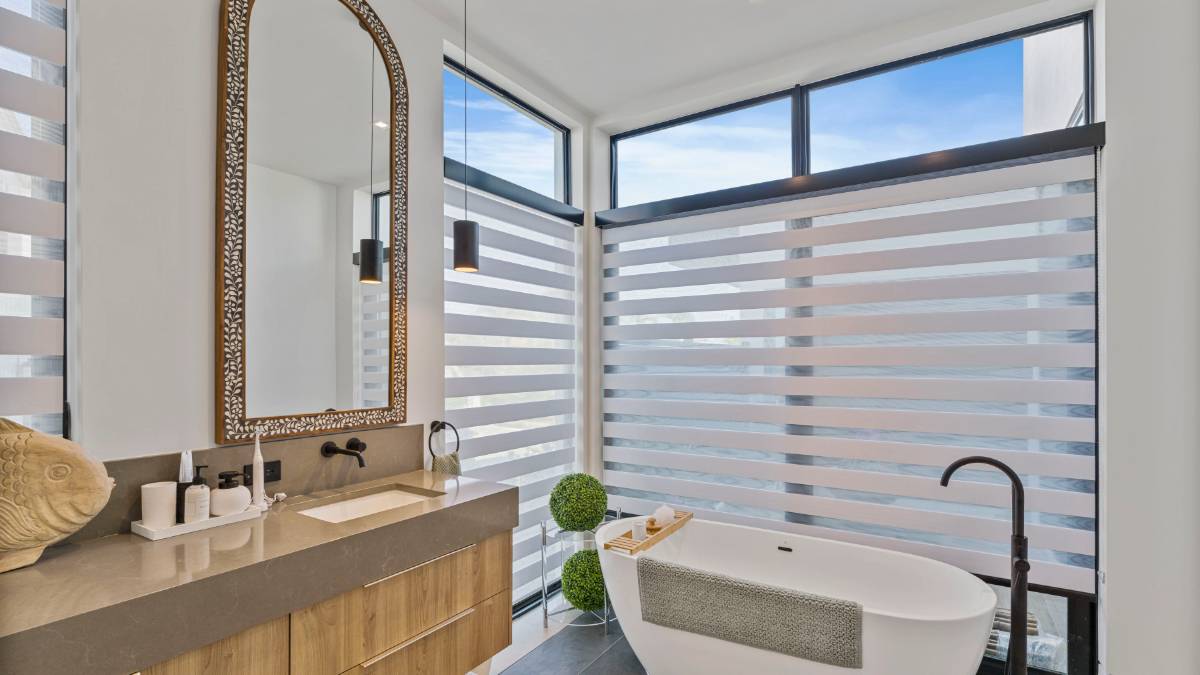
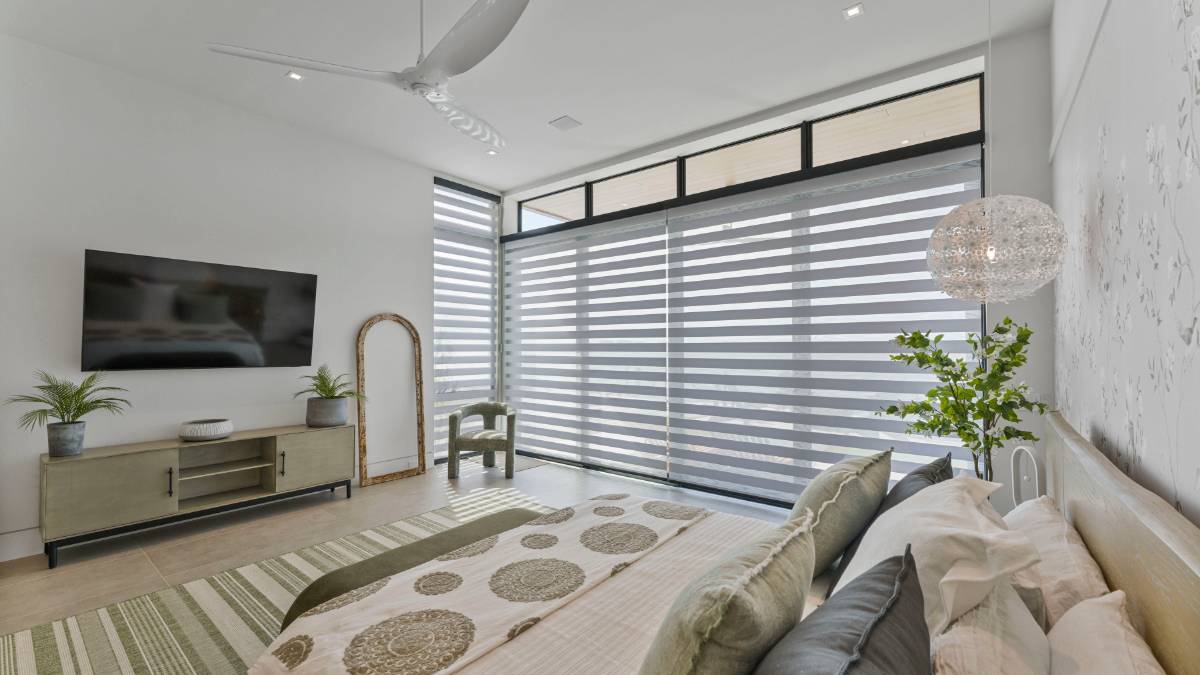
EV Blinds can connect all motorized shade styles, including zebra shades and roller shades, to smart-home controls. Compatibility with Alexa, Google Home, Lutron and Control4 depends on the selected motor, controller and integration. Confirm the exact shade style, motor, controller and interface for your proposal. Existing devices, required accounts and any hub or gateway should be identified before ordering.
For Control4, ask the automation professional to explain the supported integration and functions in your home. For voice-assistant arrangements, confirm the connected shade configuration and the commands it exposes. No universal platform winner follows from these distinctions.
Motorized Shades for Oversized Sliding Glass Doors
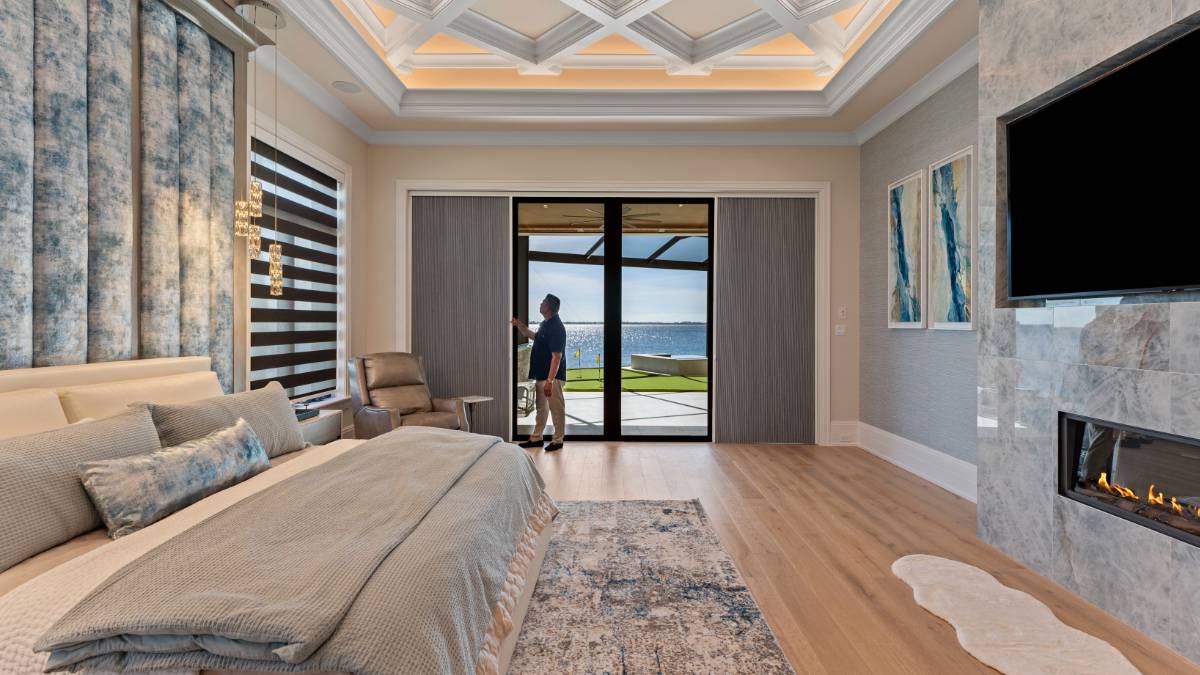
In Southwest Florida, the most important decisions may involve the windows rather than the voice assistant. Expansive sliders and floor-to-ceiling glass can require several shade panels, carefully selected motors, and mounting that preserves the view and passage through the doorway.
A group command doesn’t necessarily make multiple shades move in perfect synchronization. Motor capacity, shade dimensions, fabric weight, calibration, power and controller configuration all affect the result. For large openings, ask for a measured assessment and a demonstration of how each shade will operate.
Seven Questions to Ask Before Choosing Smart Shades
- Which exact motor and controller are included in the quote?
- Is the proposed integration compatible with Alexa, Google Home or Control4?
- Will the installation need a hub, bridge or gateway?
- Can I operate individual shades and groups?
- Does the system report shade position, or only accept commands?
- What happens when the internet or power is unavailable?
- Who handles programming, testing and support after installation?
Ask what position and grouping mean
Sending a command is not the same as receiving position feedback. A common command is not the same as precisely aligned movement across several shades. Ask for the functions you care about to be included in the acceptance demonstration.
Discuss loss of internet, local network or power using the selected system’s instructions. Do not assume offline voice control, manual override or remote access from a general smart label.
Frequently Asked Questions About Smart Shades
Do all motorized blinds work with Alexa?
No. Alexa compatibility depends on the motor and its supported integration. Some systems require an additional bridge or hub.
Can Google Home control motorized shades?
Yes, with compatible equipment. The available controls and automation features vary by motor model and integration.
Is Control4 better than Alexa or Google Home?
Not for every home. Control4 may suit professionally integrated whole-home projects, while Alexa or Google Home may be more convenient for straightforward voice commands and household routines.
Can multiple motorized shades operate together?
Many systems offer grouped commands. Precise synchronization depends on the motors and controller, especially across oversized glass openings.
Do smart shades require Wi-Fi?
Not always. Some operate using dedicated remotes or radio-frequency systems. Remote app access and integration may require additional network equipment.
Can I retrofit motorized shades in an existing home?
Often, yes. Battery-powered and other motorization options may avoid extensive rewiring, depending on the window dimensions and product specifications.
Include setup and ownership in the comparison
Record who supplies equipment, connects accounts, configures scenes and supports the system afterward. Compare those responsibilities along with costs; do not assume EV shade installation includes programming of every automation platform.
Honeycomb is manual-only. In a Double Shade arrangement, only the separate roller is motorized, not the cellular slider. Read the Control4 checklist and pillar guide, or discuss your home with EV Blinds.